Embed Google Sheets in Your Website Without an iFrame
Display a Google Sheets table on your site as a responsive, sortable widget. Paste one script tag. No Google Cloud setup. No ugly iframe.
Embedding Google Sheets is harder than it looks
Publish-to-web and iframe embeds get a spreadsheet on the page, but they rarely look or feel like part of your product.
Ugly iframes
Google's embed frames look foreign, clip content, and fight your layout.
Hard to style
You can't match fonts, spacing, or brand colors inside a locked iframe.
Broken on mobile
Horizontal scroll, tiny cells, and fixed heights make mobile UX painful.
Poor visitor UX
No clean search, sort, or pagination designed for a public website.
Sheetrocket turns your sheet into a website-ready table
Connect the spreadsheet once. Sheetrocket serves a REST API and an embeddable Google Sheets widget your visitors can actually use.
Google Sheet
Your source of truth
Sheetrocket
API + widget
Embeddable table
Native HTML
Your website
Any stack
How to embed Google Sheets in a website
Three steps. No Google Cloud project. No custom frontend.
Connect your spreadsheet
Sign in with Google and paste your Sheets URL. Sheetrocket reads your columns automatically.
Generate a widget
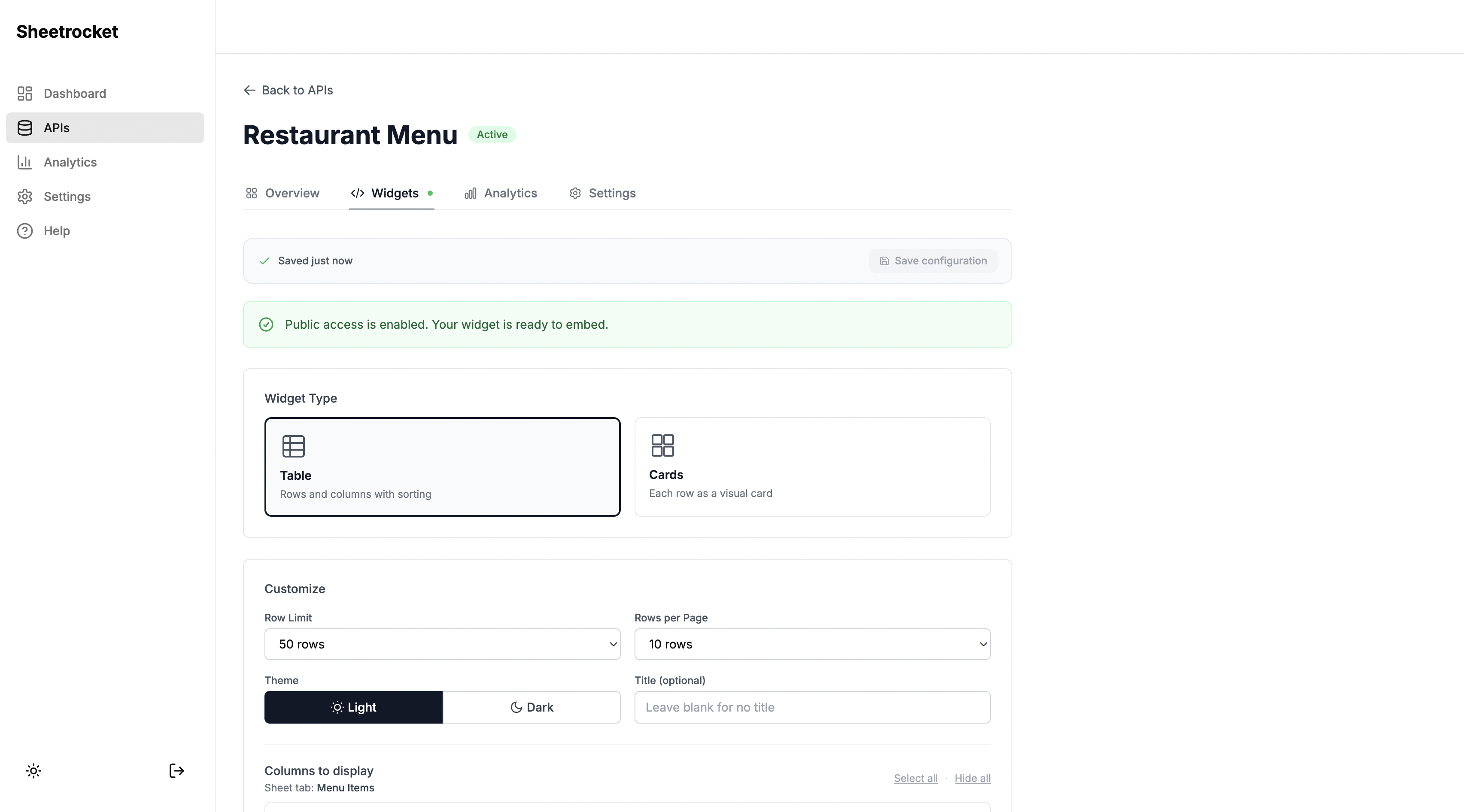
Choose table or cards, theme, page size, and filters. Save the configuration once.
Paste one script tag
Drop the snippet into HTML, WordPress, Webflow, React, or Next.js. Your Google Sheets table is live.
A Google Sheets widget built for the web
Everything teams expect from a website table - without rebuilding it for every project.
Responsive
Layouts adapt to mobile and desktop instead of trapping users in a fixed iframe.
Fast
Serve cached responses when you want speed, or fetch live sheet data when freshness wins.
Always up to date
Edit the spreadsheet. The embedded table stays in sync with your source of truth.
Filterable
Show only the rows you want visitors to see with column-based filters.
Sortable
Let visitors sort columns in table view - useful for directories and catalogues.
Dark mode
Light and dark themes so the Google Sheets table matches your site.
Pagination
Large sheets stay usable with built-in page size controls.
Clean styling
Native HTML embed that fits your page - not a foreign Google chrome frame.
Public or private APIs
The same sheet powers embeds and a production REST API with rate limiting.
Works with
HTML · React · Next.js · Webflow · WordPress
Embed snippet
Paste this to display Google Sheets on your website
One container. One script. Sheetrocket loads your saved widget configuration and renders a table or card grid.
- No iframe
- Works in Custom HTML / Embed blocks
- Optional REST API for custom UIs
<!-- Embed Google Sheets table -->
<div
  data-sheetrocket="your-sheet-id"
></div>

<script
  src="https://sheetrocket.com/widget.js"
  async
></script>
Google Sheets iframe vs Sheetrocket
Both can put spreadsheet data on a page. Only one is built to feel like a real website component.
| Capability | Google iframe | Sheetrocket |
|---|---|---|
| Customization | Very limited | Themes, layout, filters |
| Responsive layout | Often awkward | Built for mobile & desktop |
| Search / filter | Not website-native | Column filters |
| Sorting | Spreadsheet UX | Visitor-friendly table sort |
| Styling | Locked inside iframe | Native HTML on your page |
| Pagination | Scroll the sheet | Configurable page size |
| Live updates | Depends on publish settings | Live or cached modes |
Frequently asked questions
How do I embed Google Sheets without an iframe?
With Sheetrocket, connect your Google Sheet, generate a widget, and paste one script tag plus a div on your site. Sheetrocket renders a native HTML table or card grid - not an iframe - so you get full control over layout and mobile behavior.
Can I style the Google Sheets table on my website?
Yes. Sheetrocket widgets support light and dark themes, table or card layouts, column visibility, filters, and pagination. Because the embed is not an iframe, it fits your page width and design system far more cleanly than a Google Sheets publish-to-web embed.
Does the embedded sheet update automatically?
Yes. Edit data in Google Sheets and the embedded table reflects those changes. You can use cached responses for speed or always-live fetches when freshness matters.
Does Sheetrocket work with React and Next.js?
Yes. Drop the same script and container into any React or Next.js page. You can also call the underlying REST API directly if you want a fully custom UI.
Does it work with WordPress and Webflow?
Yes. Paste the embed into a Custom HTML block in WordPress or an Embed element in Webflow. It also works on Framer, Squarespace, and any page that allows custom HTML.
Is embedding Google Sheets free to try?
Yes. Create a free Sheetrocket account, connect a sheet, and embed a widget without a credit card. Upgrade when you need higher limits or advanced features.
Embed your Google Sheet on any website
No iframe. One script tag. Free to start.
Get your embed code free