Turn any Google Sheet or Airtable base into a catalogue, a website, or an API
Sheetrocket connects to your existing Google Sheet or Airtable base and publishes it as a beautiful catalogue site, an embeddable widget, or a REST API. Update your data and everything stays in sync automatically.
- No code required
- Works with Google Sheets and Airtable
- 18 ready-made catalogue templates
- Embed on any website in one line of code
- Cart and ordering built in
- REST API for developers included
Free plan available · No credit card required
Three products. One data source.
Everything your sheet needs to go live
Whether you need a full website, a widget to embed on an existing site, or a raw API, Sheetrocket handles all three from the same Google Sheet or Airtable base.
Catalogue Sites
A complete website from your sheet
Choose from 18 templates. Connect your Google Sheet or Airtable base. Your site goes live at your own Sheetrocket URL. Update your data and your site updates automatically. No rebuilds.
- Restaurant menus with ordering
- Product catalogues with cart
- Job boards and directories
- Event schedules and portfolios
- Hero sections, CTA sections, footers
Embeddable Widgets
Embed live data on any website
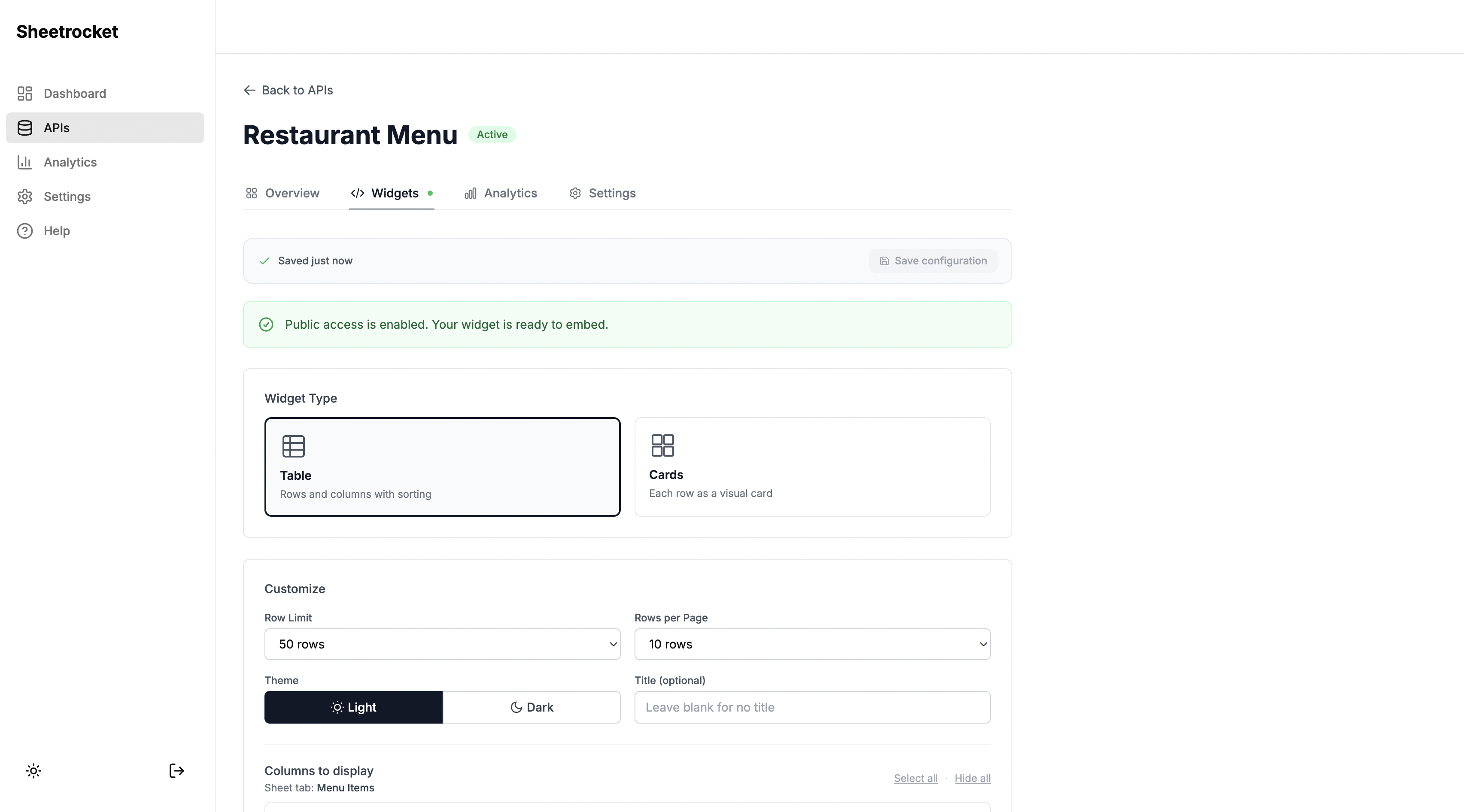
Already have a website? Paste one script tag and a single div. Your Google Sheets or Airtable data appears instantly. Works on Webflow, WordPress, Framer, Squarespace, or plain HTML.
- 18 widget templates out of the box
- Menu, product grid, team, job board, FAQ
- Search, filter, sort built in
- Light and dark themes
- One line of code to install
<div
  data-sheetrocket="your-id"
  data-template="menu-widget">
</div>
<script src="sheetrocket.com/widget.js">
</script>
See widget templates →
REST API
A production endpoint in under a minute
Paste your sheet URL and get a real REST API endpoint. No Google Cloud setup. No OAuth. No token refresh. Read and write rows with standard HTTP from any app or tool.
- No Google Cloud project needed
- Read, write, update, and delete rows
- Public or private endpoints
- Rate limiting built in
- Live or cached responses
Perfect for
Common ways people publish their spreadsheets
From restaurant owners to developers, Sheetrocket fits how you already work.
Restaurant owners
A beautiful menu site with add to cart and email ordering. Update prices in your sheet.
Shop owners
A product catalogue with cart, checkout, and order emails. No Shopify needed.
Agencies and freelancers
Embed client data on their Webflow or WordPress site. They update their own sheet.
Job boards
Listings managed in a spreadsheet. Embeddable anywhere with an apply button.
Real estate
Property listings with filters, detail pages, and contact buttons. All from the sheet.
Directories
Team pages, member directories, speaker lists. Photo, bio, and contact from columns.
Affiliate bloggers
Product recommendations with ratings, badges, and buy links. One embed on any blog.
Developers
REST API from any sheet. No Google Cloud. No OAuth. Production ready in under a minute.
How it works
From spreadsheet to published in minutes
The same three steps work for sites, widgets, and APIs.
Connect Google Sheets or Airtable
Paste a Google Sheets URL, or connect an Airtable base with a personal access token. Sheetrocket reads your columns and data automatically. Your data stays in your sheet or base.
→ 6 columns detected · 42 rows found
Choose your output
Pick from three outputs based on what you need. Build a hosted catalogue site from 18 templates. Generate an embed code for any existing website. Or get a REST API endpoint.
Catalogue site · Embed widget · REST API
Publish and keep your data in sync
Your catalogue site goes live at your Sheetrocket URL. Your widget embed code is ready to paste. Your API endpoint is live. Update your sheet or base and everything updates automatically. No rebuilds.
25 ready-made templates
Pick a template. Connect your sheet. Done.
Every template works for both hosted sites and embeddable widgets. Connect the same Google Sheet or Airtable base to both.
 Available
Margherita Pizza
$12.99
 Available
Pepperoni Pizza
$14.99
 Available
Classic Burger
$11.99
 Available
Caesar Salad
$9.99
Menu Widget
Restaurants, cafes, food trucks
 Bread
BreadCountry Sourdough
$8.50
 Pastry
Butter Croissant
$4.25
 Pastry
Seasonal Fruit Tart
$6.75
 Drinks
Oat Milk Latte
$5.00
Bakery Catalog
Bakeries and pastry shops
 Best Seller
Wireless Headphones
$89.99
 New
NewMechanical Keyboard
$64.99
 Accessories
Leather Tote Bag
$124.00
 Featured
Minimalist Watch
$199.00
Product Grid
Shops and catalogues
 On Sale
T-shirt
€12.00
 On Sale
Polo shirt
€14.00
 Best selling
Hoodie
€28.00
 Low on Stock
Shorts
€14.00
Clothing Catalog
Boutiques and apparel brands

Sarah Johnson
Product Designer

Marcus Williams
Software Engineer

Emma Chen
Marketing Lead

David Kim
Product Manager
Team Grid
Team and member pages
Senior Product Designer
Acme Studio
Frontend Engineer
TechFlow
Content Writer
Media House
Job Board
Hiring pages
Pottery Workshop
Learn hand-building and wheel throwing techniques with experienced instructors.
Cooking Masterclass
Master classic techniques with professional chefs in a hands-on environment.
Yoga Flow
A dynamic flow class suitable for all levels. Build strength and flexibility.
Event Schedule
Classes and workshops
How do I get started?
+Is there a free plan?
+What happens when I update my sheet?
+FAQ Widget
Support and help pages
Starter
$0/month
Perfect for personal projects and testing
- 3 active APIs
- 350 requests/month
- Basic analytics
- Community support
Pro
$12/month
For creators and small businesses ready to grow
- 10 active APIs
- 50000 requests/month
- Advanced analytics
- Remove branding
Business
$29/month
For teams and high traffic sites
- Unlimited APIs
- 500000 requests/month
- Priority support
- Custom domains
Pricing Table
Plans and pricing pages
5 / 5
This tool saved me hours every week. My clients can now update their own content without calling me. Absolute game changer.
Sarah Johnson
Webflow Freelancer
5 / 5
We embedded our restaurant menu and it updates automatically every time we change the spreadsheet. Our customers love it.
Mario Rossi
Restaurant Owner
5 / 5
Finally a tool that lets non-technical people manage website content without learning a CMS. Setup took five minutes.
Emma Chen
Marketing Manager
Testimonials
Reviews and social proof

Data Table
Reports and price lists
David Wilson
Physics, Mathematics
Jessica Martinez
Spanish, French, ESL
Michael Brown
Computer Science, Web Development
Directory Widget
Member and speaker lists

Basic Home Cleaning

Deep Cleaning Service

Carpet Cleaning
Services Widget
Cleaning, repair, consultants

Classic Manicure
Nail shaping, cuticle care, and a polish of your choice.

Gel Manicure
A long-lasting gel manicure that stays chip-free for weeks.

Spa Pedicure
Foot soak, exfoliation, massage, and polish.
Nail Salon
Salons and beauty studios
 Vegetarian
Vegetable Stir Fry
Healthy and flavorful. A great way to get your daily vegetables.
 Japanese
Homemade Sushi Rolls
Homemade sushi never tasted better. Fresh and satisfying.
 Salad
SaladGreek Salad
Fresh and flavorful. Perfect side dish for any occasion.
 Dessert
Chocolate Lava Cake
Heavenly dessert. Rich, indulgent, and surprisingly easy.
Recipe Widget
Food blogs and cookbooks
 For Rent
Modern Downtown Apartment
$2,500/month
 For Sale
Suburban Family Home
$485,000
 For Rent
Cozy Studio Loft
$1,200/month
 For Sale
Luxury Penthouse Suite
$1,250,000
Property Listings
Real estate and rentals
 Pick of the month
Niacinamide Face Serum Anti Aging
$5.00
 Second bottle
Drunk Elephant C-Firma Fresh Day Serum
$79.00
 Bestseller
La Roche-Posay Double Repair Moisturiser
$24.99
 Second bottle
Charlotte Tilbury Flawless Filter
$49.00
Affiliate Products
Review and comparison sites
 Web Design
Bloom Bakery Website
A warm and inviting website redesign for a local artisan bakery with online ordering.
 Branding
Fintech App Branding
Complete brand identity for a modern fintech startup including logo, colors, and guidelines.
 Photography
Urban Architecture Series
A collection of architectural photography exploring geometry in modern city buildings.
 UI Design
Wellness App UI Design
User interface design for a meditation and wellness mobile application.
Portfolio
Designers, photographers, agencies
5 / 5
This completely changed how I manage client projects. Instead of endless email chains I just share their portal link and everything is there.
Sarah Johnson
Freelance Designer
5 / 5
We embedded our restaurant menu and it updates automatically every time we change the spreadsheet. Our customers absolutely love it.
Mario Rossi
Restaurant Owner
5 / 5
Setup took five minutes. My clients can now see their project status and invoices without me having to send weekly update emails.
Emma Chen
Marketing Consultant
Testimonials Slider
Homepage and landing page social proof
2,400+
Customers
Businesses using our platform
98%
Satisfaction
Based on customer surveys
50+
Countries
Teams across the globe
$12M+
Processed
Revenue through our platform
Stats
About pages and key numbers
 Beginner
Complete Web Development Bootcamp
$299
BeginnerUI and UX Design Fundamentals
$199
 Advanced
Advanced React and TypeScript
$249
 Intermediate
Digital Marketing Masterclass
$179
Course Catalogue
Online courses and bootcamps
Project Proposal
Initial project scope and timeline
Brand Guidelines
Logo usage, colors, typography
Invoice #1042
First milestone payment
Documents
Client portals and resource libraries
INV-001
Website Design: Phase 1
INV-002
Website Design: Phase 2
INV-003
Monthly Maintenance
Invoices
Client billing and payment tracking
Discovery and planning
Brief signed off by client
Wireframes and design
Two revision rounds completed
Development
Homepage and about page done
Project Status
Client project tracking
Aug 21 2026
Homepage development complete
The homepage has been built and is ready for your review.
Aug 19 2026
Design revisions applied
All feedback from last review session has been incorporated.
Aug 15 2026
Review call completed
Client approved wireframes. Moving to development phase.
Activity Feed
Project updates and change logs
Built-in cart and ordering
Turn your catalogue into a store
Add a cart to any product template. Visitors browse your catalogue, add items, and place orders. You receive an email with the full order details. No payment setup required to get started.
- Add to cart on any product template
- Cart persists across page scrolls
- Checkout form collects name, email, phone, address, and notes
- Order email sent to you instantly
- Customer receives confirmation email
- Connect Stripe when you are ready for online payment
Order from Sarah Johnson
Via your Sheetrocket store
CUSTOMER
ITEMS
Reply to this email to contact Sarah directly
Why Sheetrocket
Everything you need. None of the setup.
Compare what it takes to publish your spreadsheet data with and without Sheetrocket.
| What you need | Without Sheetrocket | Sheetrocket | Google Sheets API directly |
|---|---|---|---|
| Google Cloud project | — | ✓ | — |
| OAuth and consent screens | — | ✓ | — |
| Token refresh logic | — | ✓ | — |
| Rate limiting | — | ✓ | — |
| Live or cached responses | — | ✓ | — |
| Hosted catalogue site | — | ✓ | — |
| Embeddable widgets | — | ✓ | — |
| Cart and ordering | — | ✓ | — |
| REST API endpoint | — | ✓ | — |
| Your data stays in your sheet or base | Depends | ✓ | ✓ |
Sheetrocket sits on top of Google Sheets and Airtable. Your data always stays in your sheet or base.
<!-- Menu widget -->
<div
  data-sheetrocket="your-id"
  data-template="menu-widget"
  data-theme="light"
  data-columns="3"
></div>

<script
  src="sheetrocket.com/widget.js"
  async
></script>
Embeddable widgets
Embed live catalogue data on any website
Already have a Webflow or WordPress site? Keep it. Just paste one script tag and a div to embed your Google Sheets or Airtable data as a beautiful widget. It updates automatically when you edit your sheet or base.
- 18 widget templates: menus, products, team grids, job boards, FAQs, and more
- Search, filter, and sort built in
- Light and dark themes
- Cart mode for product templates
- Works on any website or platform
- Updates automatically from your sheet or base
Custom domain hosting, portal passwords, client invitations, client management and custom rate limits are not available yet. Advanced analytics currently cover REST API traffic.
Pricing
Simple, transparent pricing
Start free. Upgrade when you need more.
Free
For exploring and personal projects
Domain allowance: 0. Hosting is not available yet.
Pro
For creators and growing businesses
Domain allowance: 3. Hosting is not available yet.
Agency
For freelancers and agencies managing client sites
Domain allowance: 10. Hosting is not available yet.
Managing multiple client sites?
SheetRocket charges per account. Most competitors charge per site.
| Feature | SpreadSimple | Softr | SheetRocket |
|---|---|---|---|
| Embeddable widgets | — | — | ✓ |
| Hosted catalogue sites | ✓ | ✓ | ✓ |
| Client portals | — | ✓ | ✓ |
| REST API | — | — | ✓ |
| Cart and ordering | ✓ | — | ✓ |
| Product variations | — | — | ✓ |
| Flat per-account pricing | — | — | ✓ |
| Free plan available | ✓ | ✓ | ✓ |
No credit card required
Frequently asked questions
What can I publish on Free?
Free includes two widgets, one published catalogue website, unlimited website drafts, one client portal draft and one active REST API with 500 requests per calendar month. Client portals require Pro to publish. Internal widget and website data loading does not use your REST API quota.
How does annual billing work?
Pro costs $180 per year, equivalent to $15 per month. Agency costs $372 per year, equivalent to $31 per month. Monthly subscriptions cost $19 and $39 respectively.
What happens to existing projects under the new limits?
Existing websites, widgets and APIs remain available. You may need to upgrade to create or activate additional resources. Cancelling a subscription does not delete your projects.
What is Sheetrocket?
Sheetrocket turns any Google Sheet or Airtable base into three things: a hosted catalogue website, an embeddable widget for any existing site, and a production REST API. Connect your data once and publish it everywhere.
Do I need to know how to code?
No. Building a catalogue site or embedding a widget requires zero code. You pick a template, connect your sheet, and publish. The REST API feature is designed for developers who want programmatic access.
What kinds of catalogues can I build?
Restaurant menus, product catalogues, job boards, team directories, event schedules, service listings, property listings, affiliate product grids, portfolio galleries, FAQ pages, pricing tables, and more. Sheetrocket has 18 ready made templates.
Does my data stay in Google Sheets or Airtable?
Yes. Always. Sheetrocket reads Google Sheets through a secure service account and Airtable through the access token you connect. Your data stays in your sheet or base, and you stay in full control.
How does cart and ordering work?
Enable cart mode on any product template. Visitors browse your catalogue, add items, and fill in their details at checkout. You receive an email with the full order. No payment processor required to get started. Connect Stripe when you are ready for online payment.
Can I embed a widget on Webflow or WordPress?
Yes. Paste the embed code into a Custom HTML block on WordPress, an Embed element on Webflow, or a Code component on Framer. The widget loads live data from your Google Sheet or Airtable base automatically.
How is this different from the Google Sheets or Airtable API?
The Google Sheets API requires a Google Cloud project, OAuth setup, consent screens, and token refresh logic. The Airtable API means managing tokens and keeping them out of your frontend. Sheetrocket gives you a production endpoint, embeddable UI, and a catalogue site without any of that setup. Under a minute instead of an afternoon.
What happens when I update my sheet or base?
Your catalogue site updates automatically. Embedded widgets fetch live data on every load. Your API serves the latest rows. No rebuilds, no deploys, no manual updates needed.
What happens if I exceed my plan limits?
Your API will return a rate limit error until the next UTC calendar month or until you upgrade. The dashboard shows usage warnings at 80%, 95% and 100%. Existing websites and widgets remain available.
Your spreadsheet or Airtable base is already your backend.
Stop spending time on Google Cloud, OAuth, and custom frontends. Connect your sheet or base and publish a catalogue, a widget, or an API in under a minute.
No credit card required · Free plan available · Cancel anytime
Built and maintained by Allen Jones. Trusted by developers, agencies, and small businesses building sites, dashboards, and internal tools. Reach out anytime